


The Notification widget is a small badge that can appear in the bottom-right corner of any Upwork page. It shows status-based alerts to help you fix issues that would otherwise block Upwex from working properly.
When does it appear?
Upwex checks your account state on every Upwork page load. If something needs your attention, the widget shows up with a message and a call-to-action button. If everything’s fine, it stays hidden.
Notification states (in priority order)
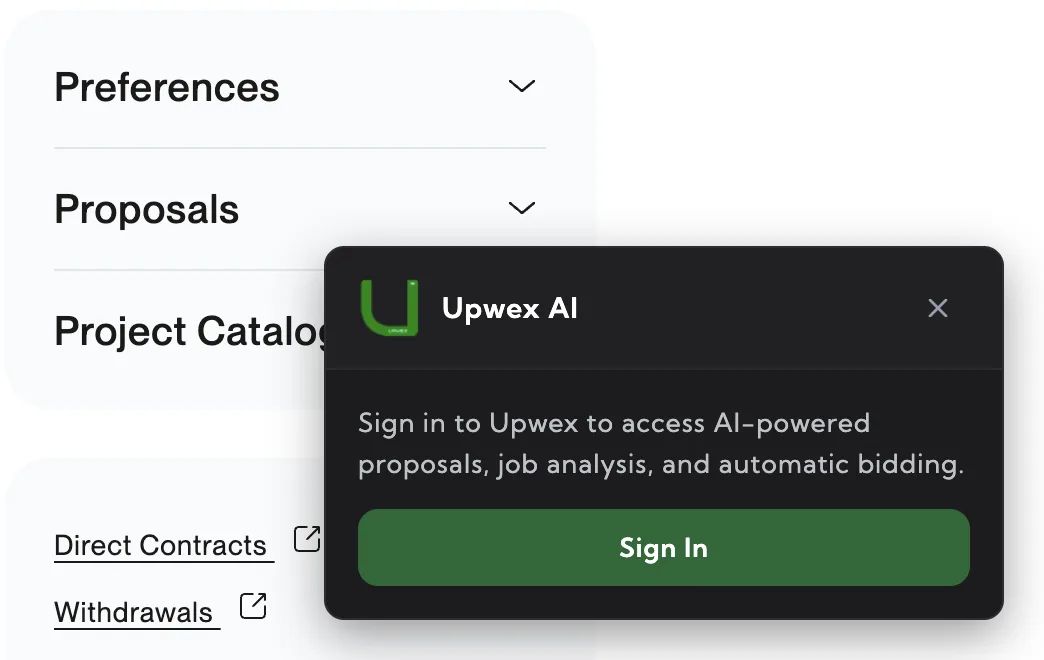
1. Sign in required
Message: “Sign in to Upwex to access AI-powered proposals, job analysis, and automatic bidding.”
Action: Sign In button – opens account.upwex.io/login in a new tab.
When: Extension is installed but you’re not logged in (tokens expired or cleared).
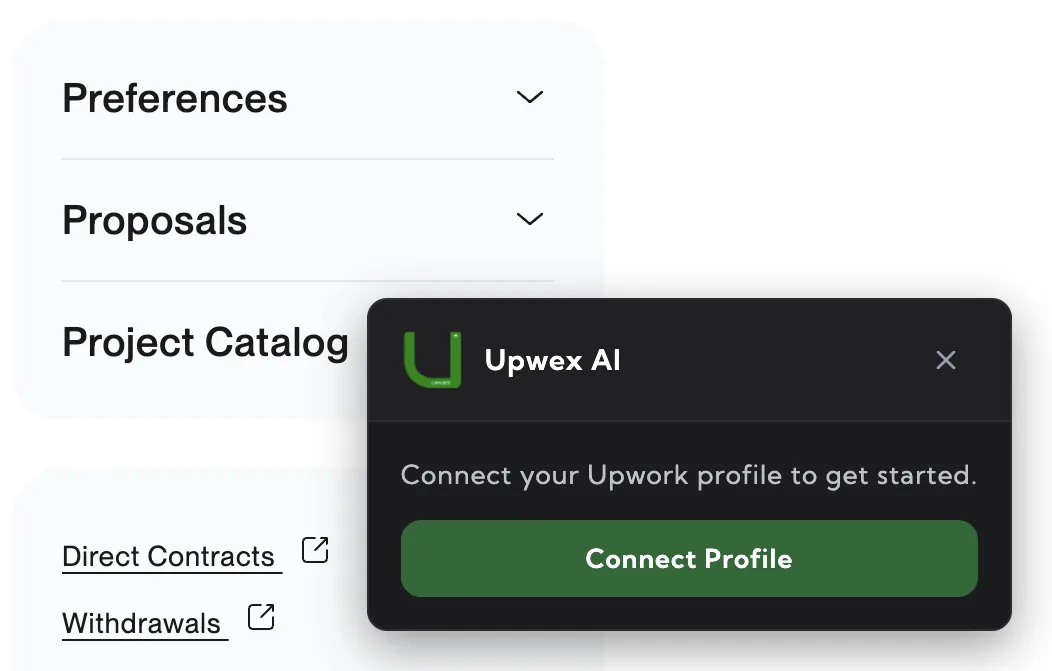
2. Profile not synced
Message: “Connect your Upwork profile to get started.”
Action: Connect Profile button – triggers the popup’s profile sync flow.
When: You’re logged in but haven’t synced your Upwork profile yet.
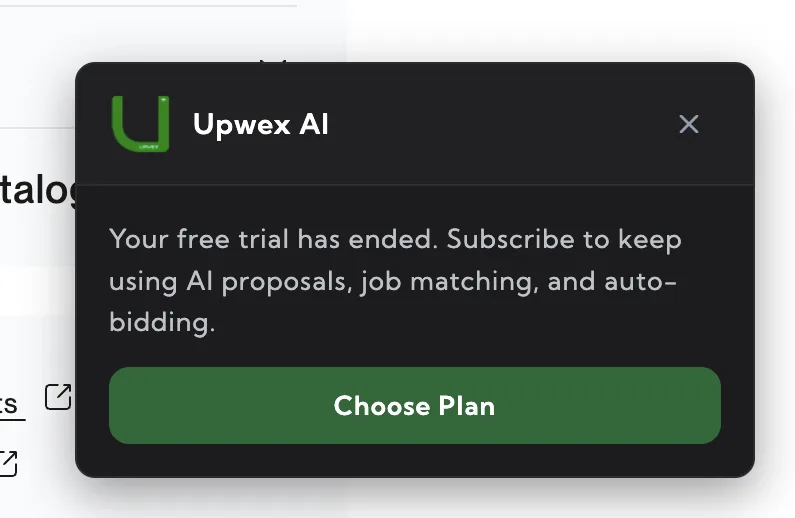
3. Trial ended
Message: “Your free trial has ended. Subscribe to keep using AI proposals, job matching, and auto-bidding.”
Action: Choose Plan button – opens account.upwex.io/billing.
When: Your 7-day free trial expired without upgrading.
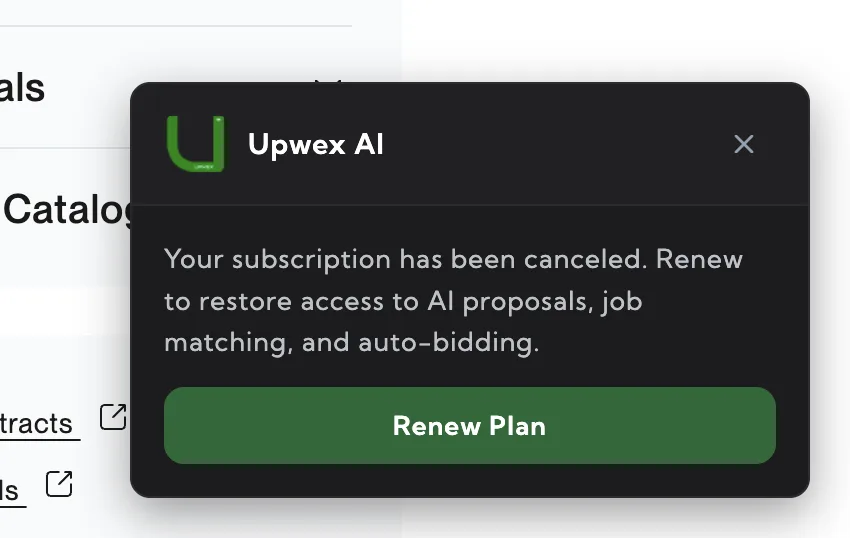
4. Subscription canceled
Message: “Your subscription has been canceled. Renew to restore access to AI proposals, job matching, and auto-bidding.”
Action: Renew Plan button – opens account.upwex.io/billing.
When: You actively canceled your plan and want to come back.
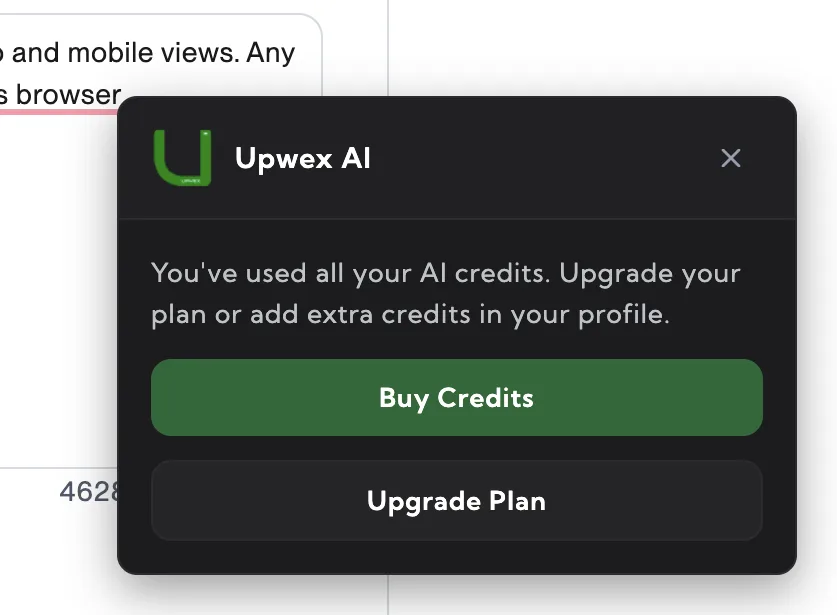
5. AI Credits depleted
Message: “You’ve used all your AI credits. Upgrade your plan or add extra credits in your profile.”
Action: Primary Buy Credits button – opens account.upwex.io/credits (top-up page). Secondary Upgrade Plan button – opens account.upwex.io/billing for a higher monthly allowance.
When: Your monthly credit allowance is exhausted.
Auto-hide behavior
The widget is reactive: if you fix the issue (e.g., sync profile, top up credits) it disappears automatically without needing a page reload. Likewise, if the state changes mid-session (e.g., your subscription cancels), the widget appears immediately.
Can I dismiss it?
No – the widget is designed to stay until the underlying issue is resolved. It’s small and unobtrusive, positioned to avoid Upwork’s own UI elements.