


Upwex needs a snapshot of your Upwork freelancer profile to write good cover letters. There are two stages to keeping that snapshot current – a one-time sync from the extension popup, and ongoing updates from the floating widget on freelancer pages.
Step 1 – First sync (extension popup)
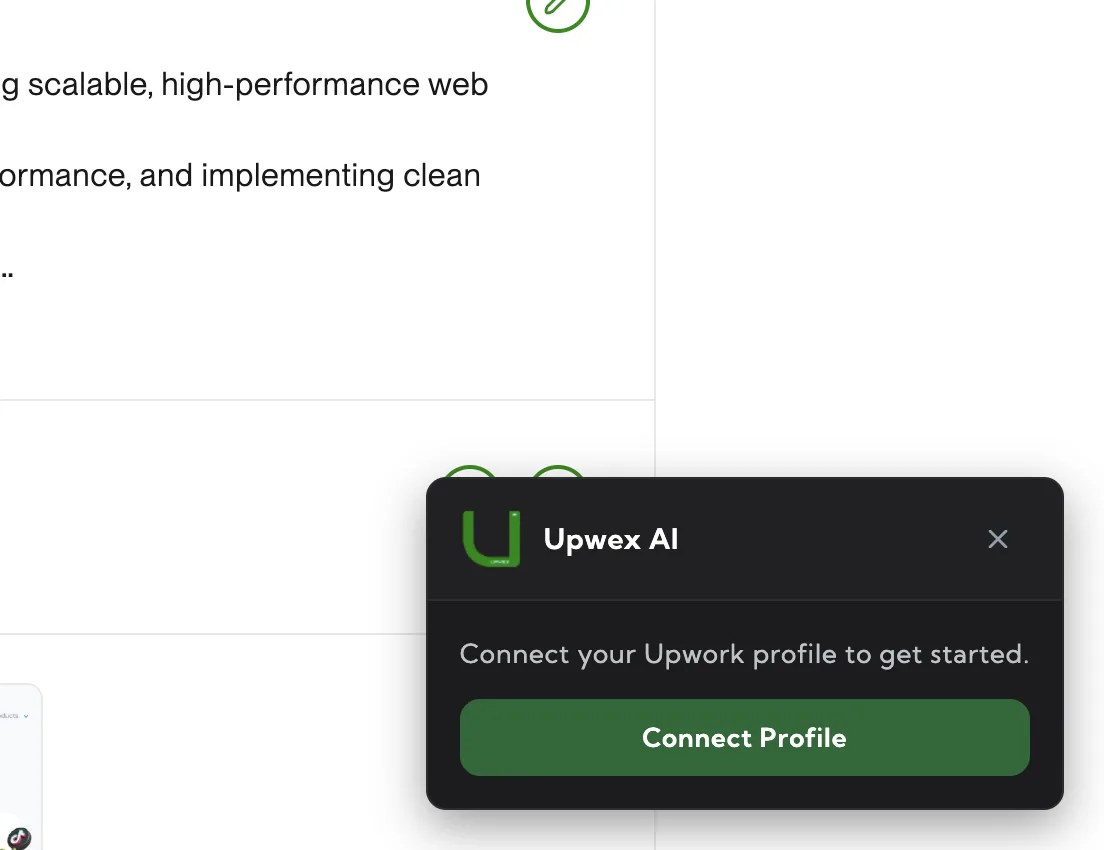
A profile must be registered in your Upwex account before the on-page widget can do anything with it. Open the Upwex popup in the browser toolbar and use one of two buttons:
- Sync – pulls your own currently active Upwork profile (Upwex opens your profile page in the background, extracts the data and stores it).
- Manual – paste any Upwork freelancer URL (
/freelancers/~...) and Upwex syncs that profile. Useful for agencies adding team members or for syncing a profile other than the one you’re logged in with.
After the first sync the profile appears in your Upwex account and is available for cover letter generation, Auto Bid and the active-profile picker.
Step 2 – Update an existing profile (on-page widget)
Once a profile is synced, the Profile Sync widget appears on that freelancer’s Upwork page (upwork.com/freelancers/~username) in the bottom-left corner with an Update Profile button. The widget is shown only for profiles that already exist in your Upwex account – for unfamiliar profiles it stays hidden, and you should fall back to Step 1.
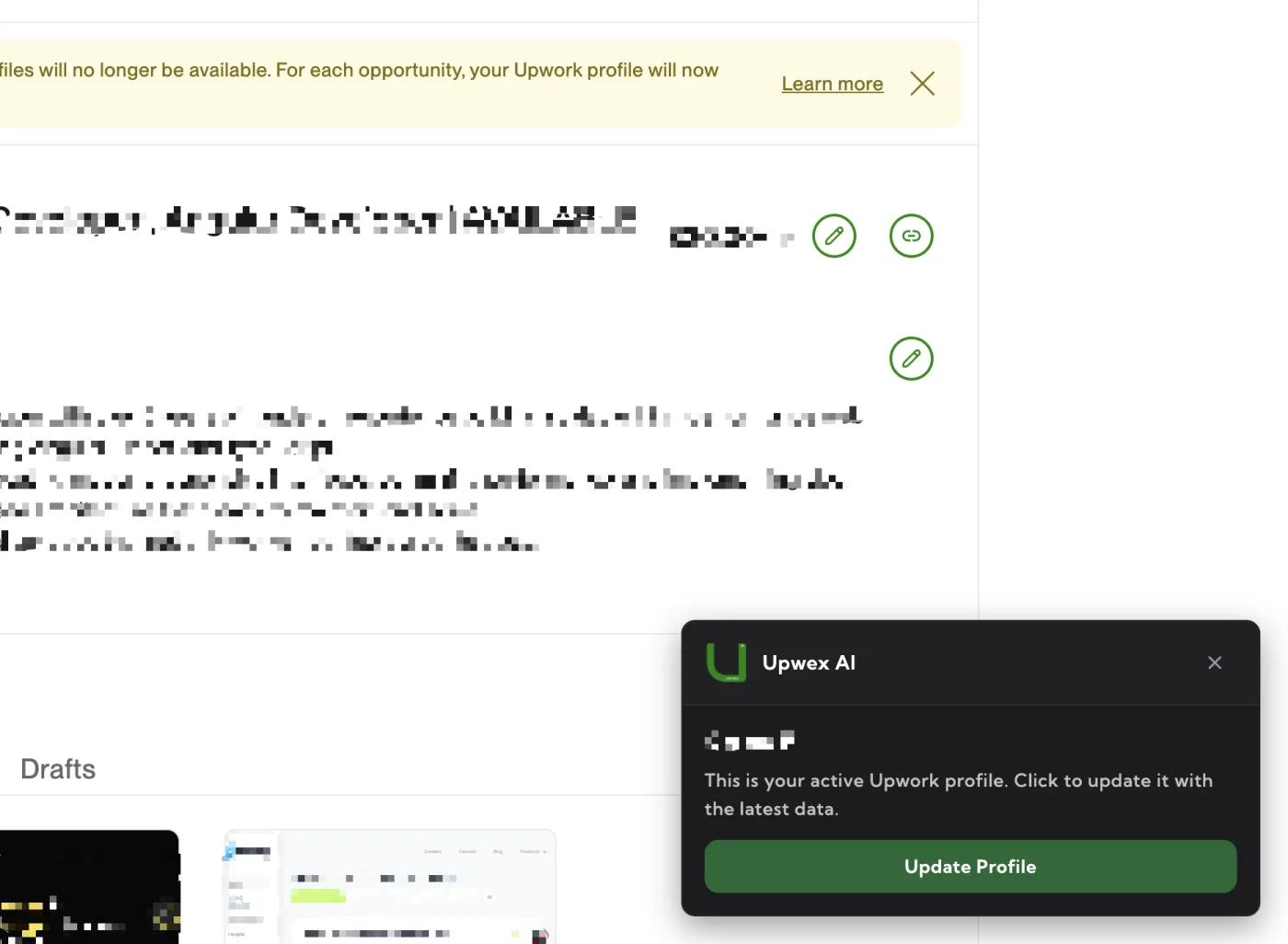
What happens when you click Update Profile
- Upwex reads the page DOM – title, overview, skills, portfolio items, hourly rate, availability
- Data is sent to your Upwex account, replacing the existing snapshot for that profile
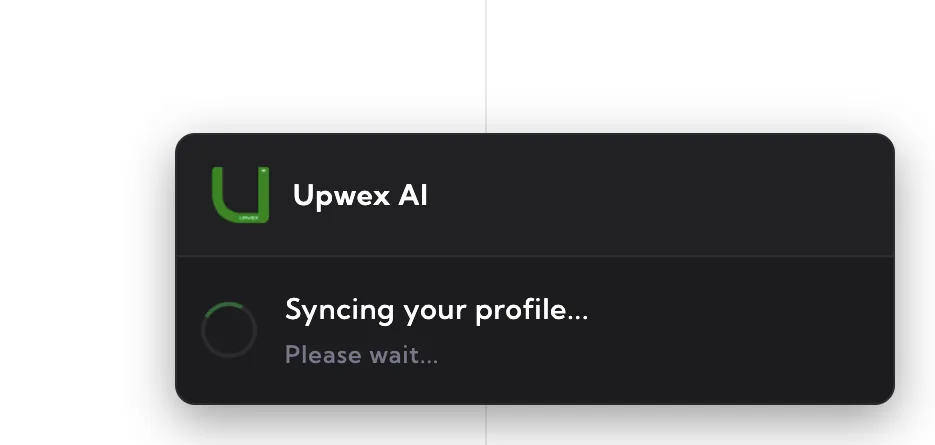
- The widget switches to the Syncing profile… state with a spinner
- On success: green checkmark and “Profile synced successfully”, auto-closes after 4 seconds
- On error (rare): error message with a Retry button
Managing multiple profiles (agencies)
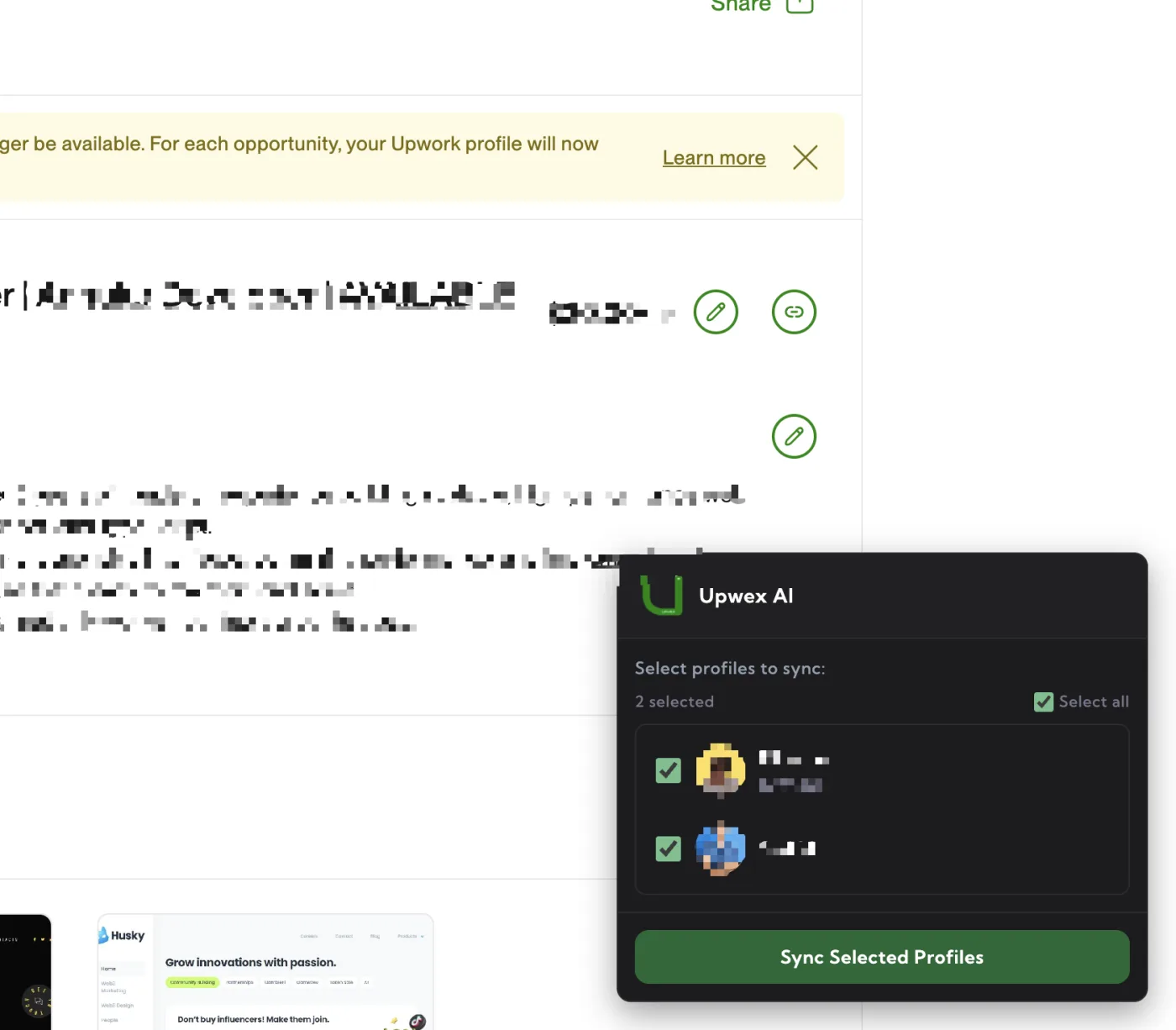
Agencies running several freelancers keep all of them in one Upwex account. After each freelancer has gone through Step 1, the Upwex account lists them in the active-profile switcher – pick any of them and Upwex will use that snapshot for cover letters and Auto Bid. To refresh a specific freelancer, open their Upwork page and click Update Profile in the widget (Step 2).
Why re-sync regularly
Upwork profiles change often – you add skills, update titles, ship new portfolio items. Those updates are not pushed to Upwex automatically; you need to re-sync. We recommend doing this after any meaningful profile change, or at least monthly.
What’s NOT synced
For privacy and compliance, Upwex only reads publicly visible profile data. No earnings, no private messages, no payment information, no client details from past projects.