Creating an Upwex account is free and takes about 30 seconds. You don’t need a credit card – you’ll start on a 7-day free trial of the Starter plan so you can explore every feature before committing.

Sign up options

Open account.upwex.io/sign-up and choose one of two sign-up methods:

Option 1 – Google (fastest)

  1. Click Continue with Google.
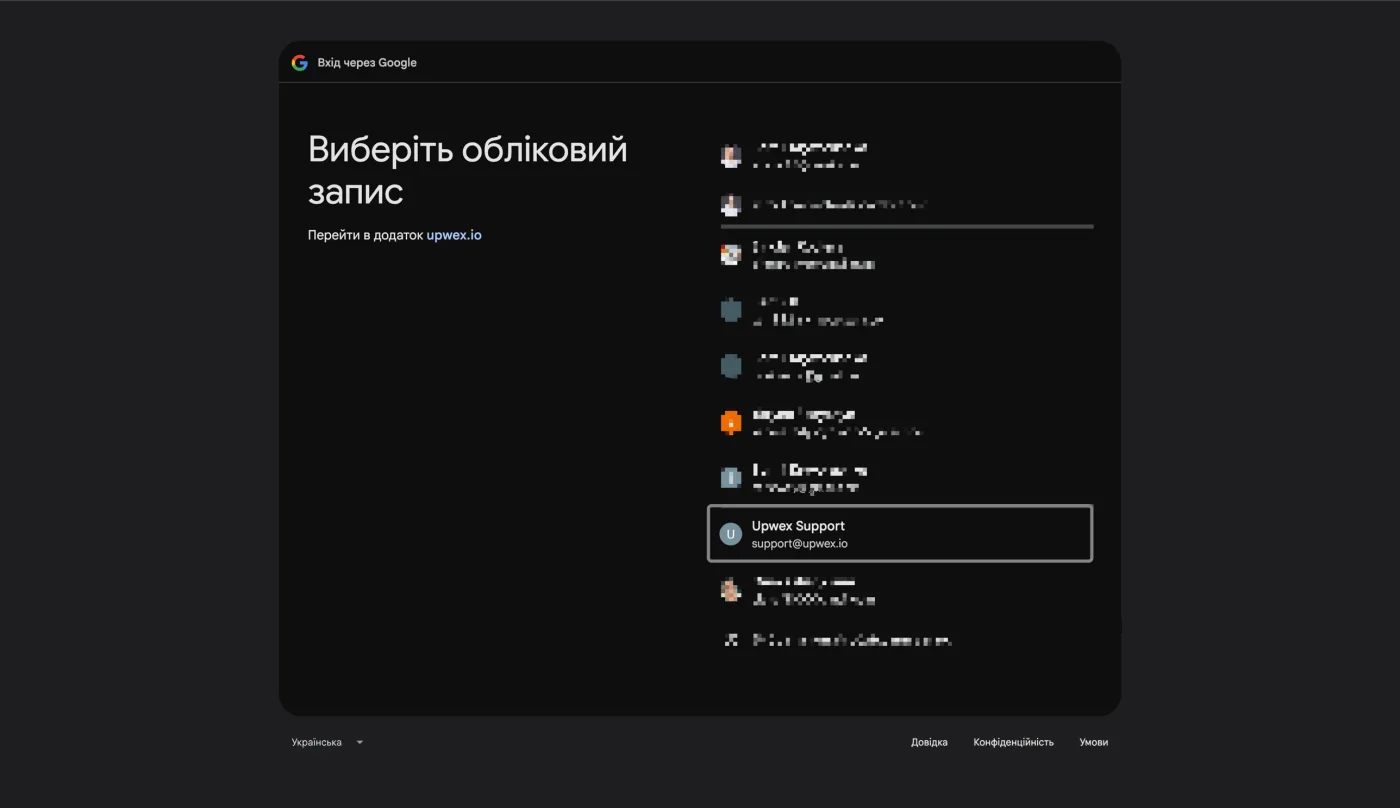
  2. Select your Google account in the popup.
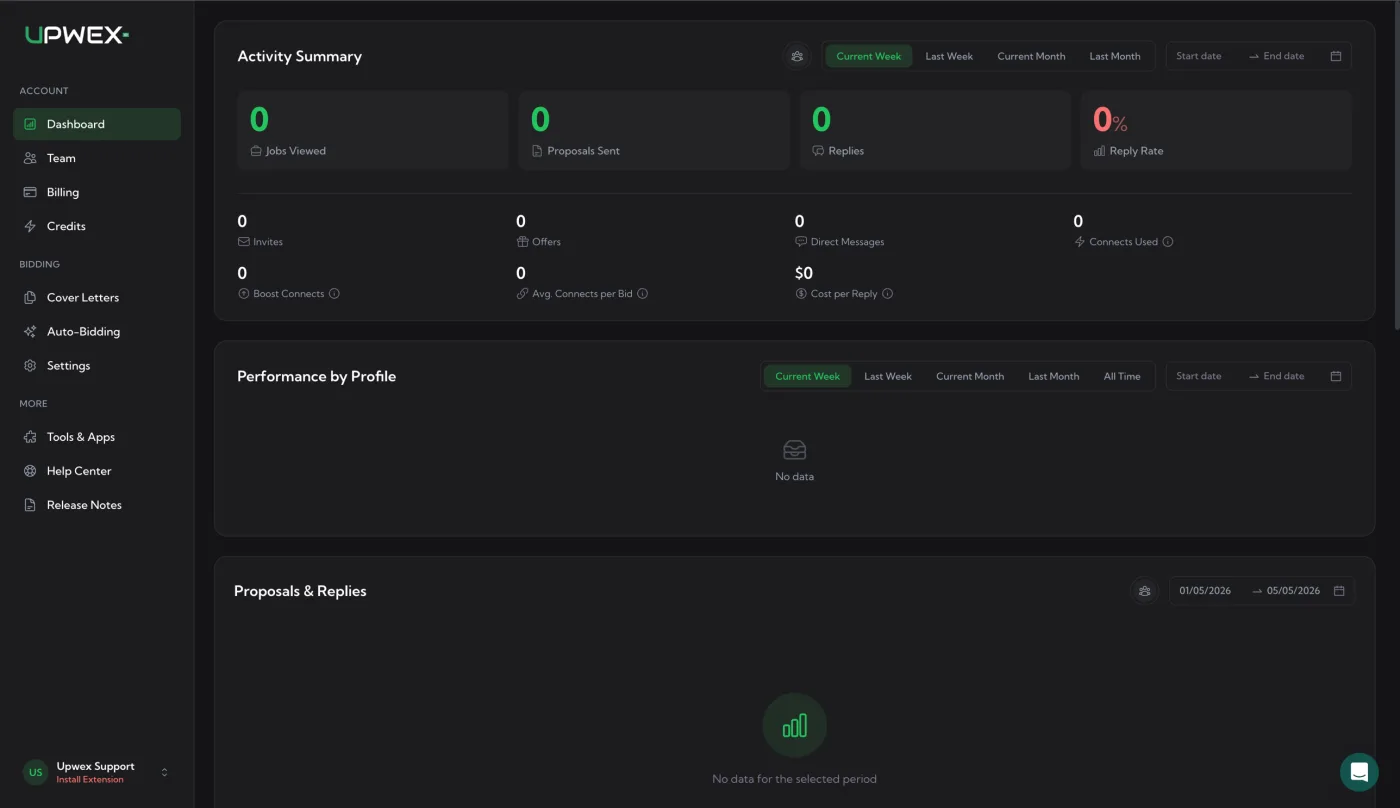
  3. You’ll be redirected to your Upwex dashboard immediately.
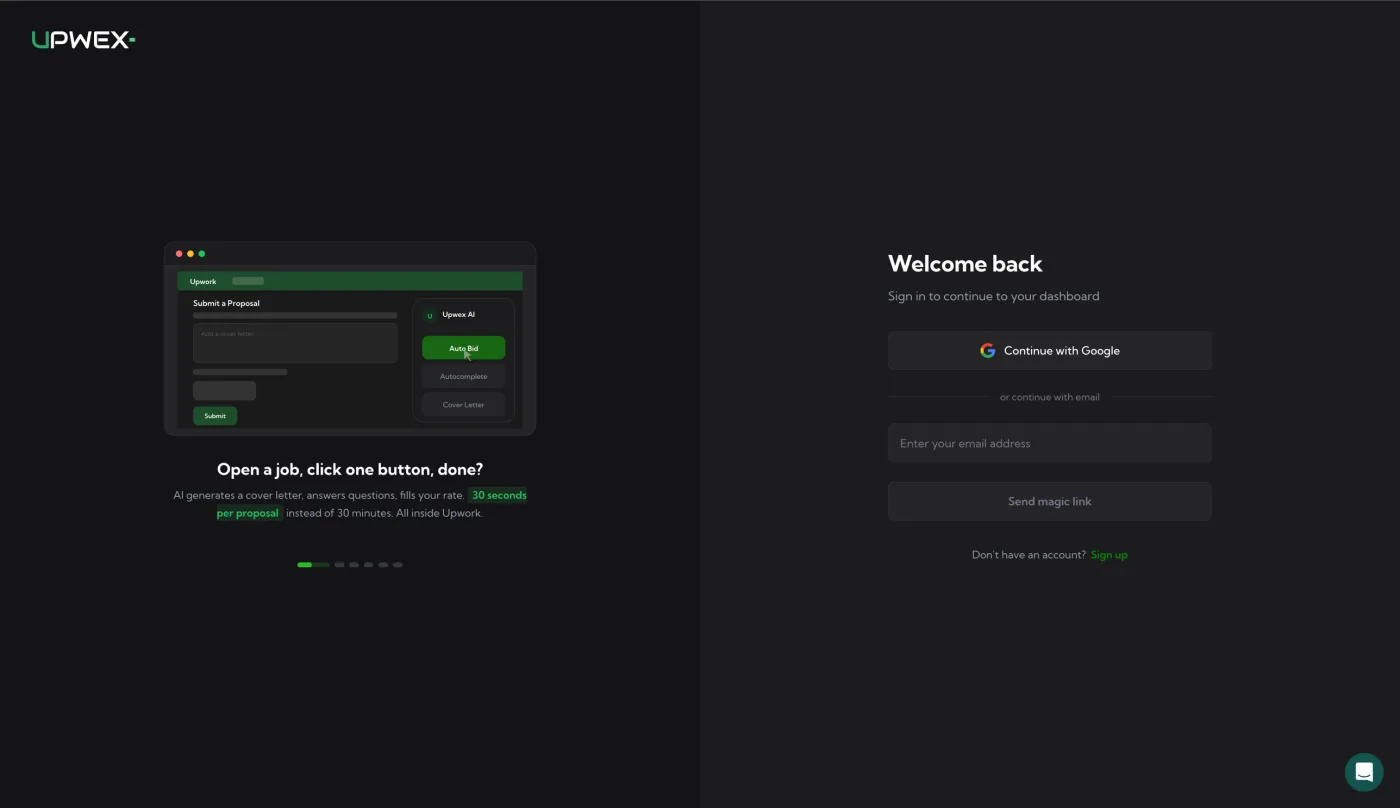
Upwex sign-in page with Welcome back heading, Continue with Google button, divider 'or continue with email', email input, Send magic link button and Sign up link below

Google account chooser popup – 'Виберіть обліковий запис' header, list of Google accounts with Upwex Support (support@upwex.io) highlighted, redirecting to upwex.io app

Upwex dashboard right after first Google sign-in – Activity Summary panel with zero metrics (Jobs Viewed, Proposals Sent, Replies, Reply Rate), Performance by Profile and Proposals & Replies sections empty, sidebar showing Upwex Support and 'Install Extension' prompt

Option 2 – Email (magic link)

  1. Enter your email address and click Create account.
  2. We send a one-time login link to your inbox (no password required).
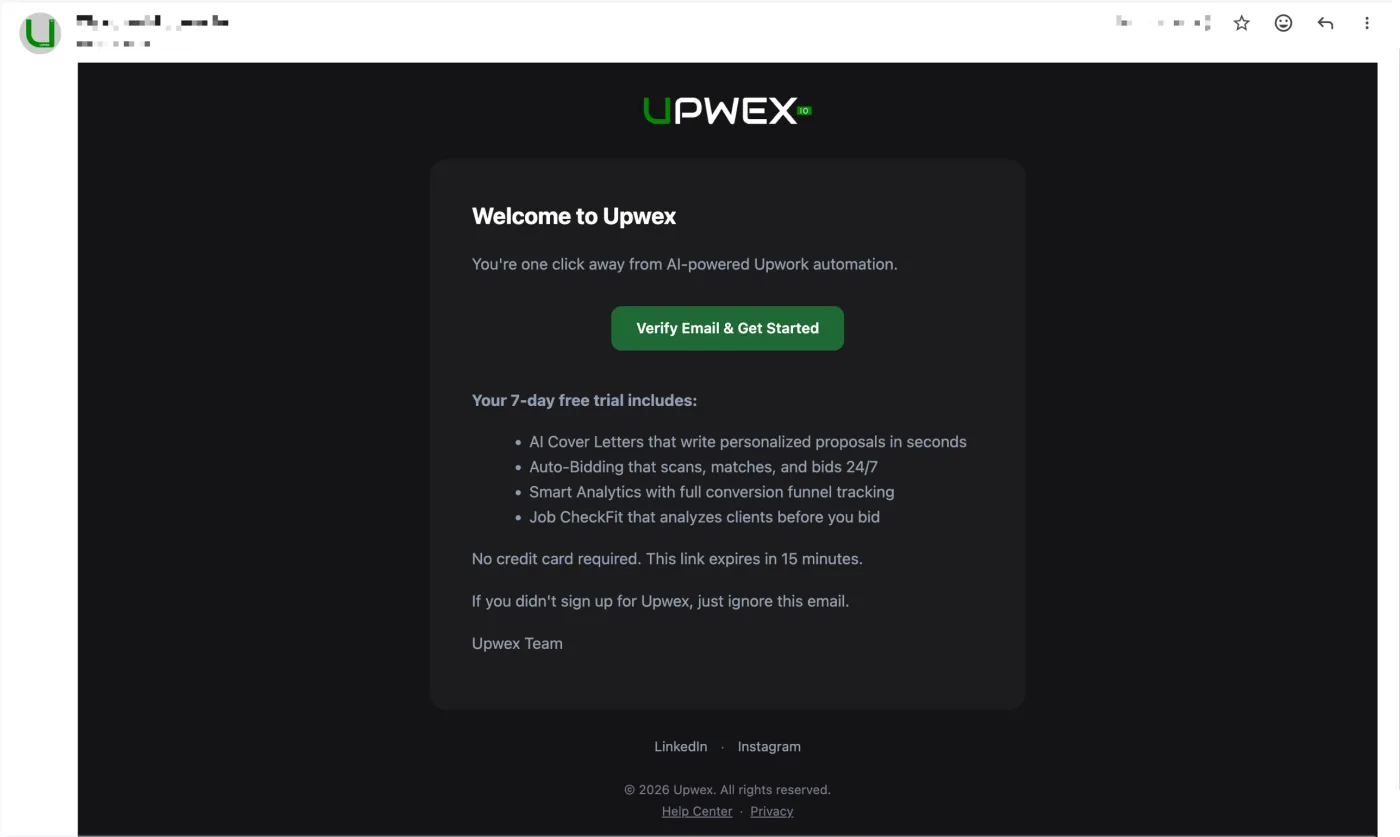
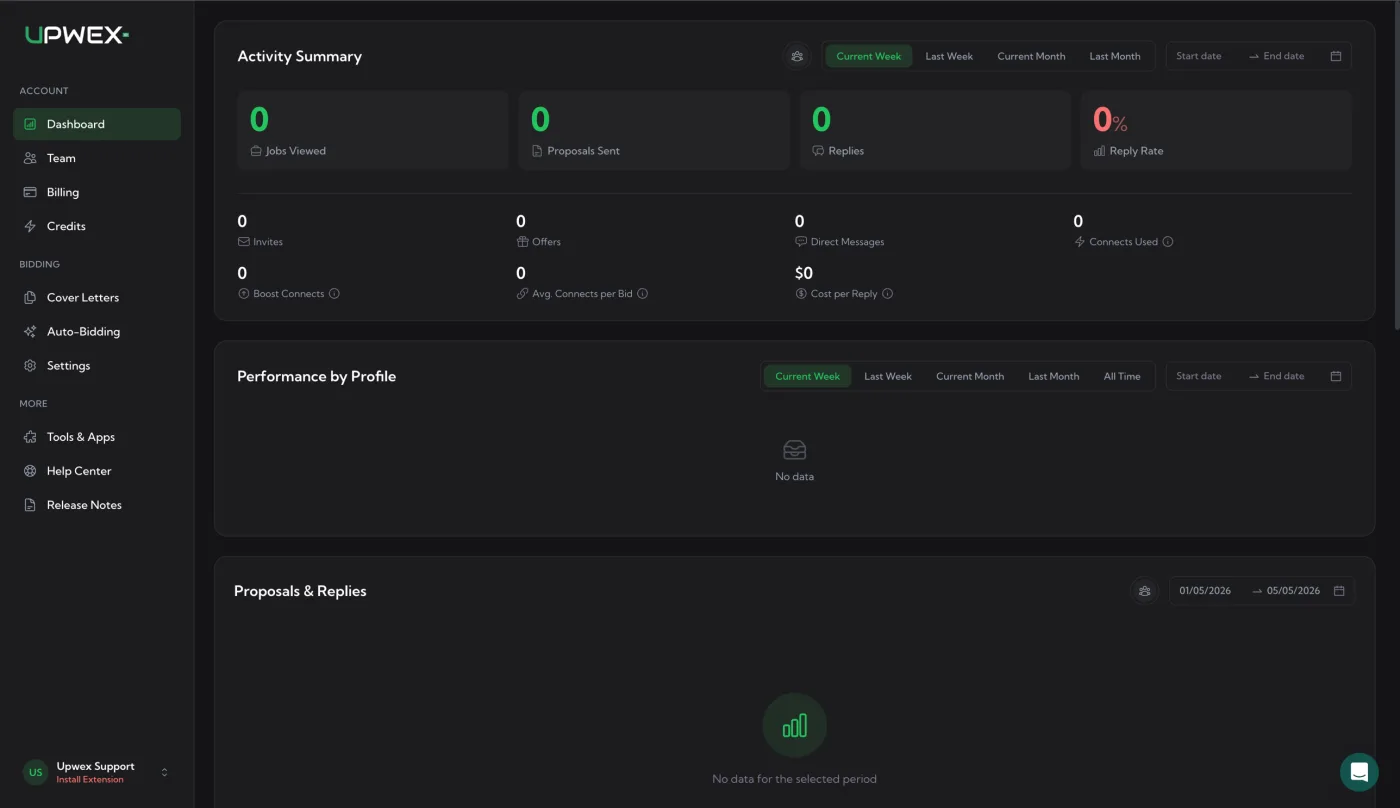
  3. Click the link in the email – you’ll be signed in automatically and redirected to the dashboard.
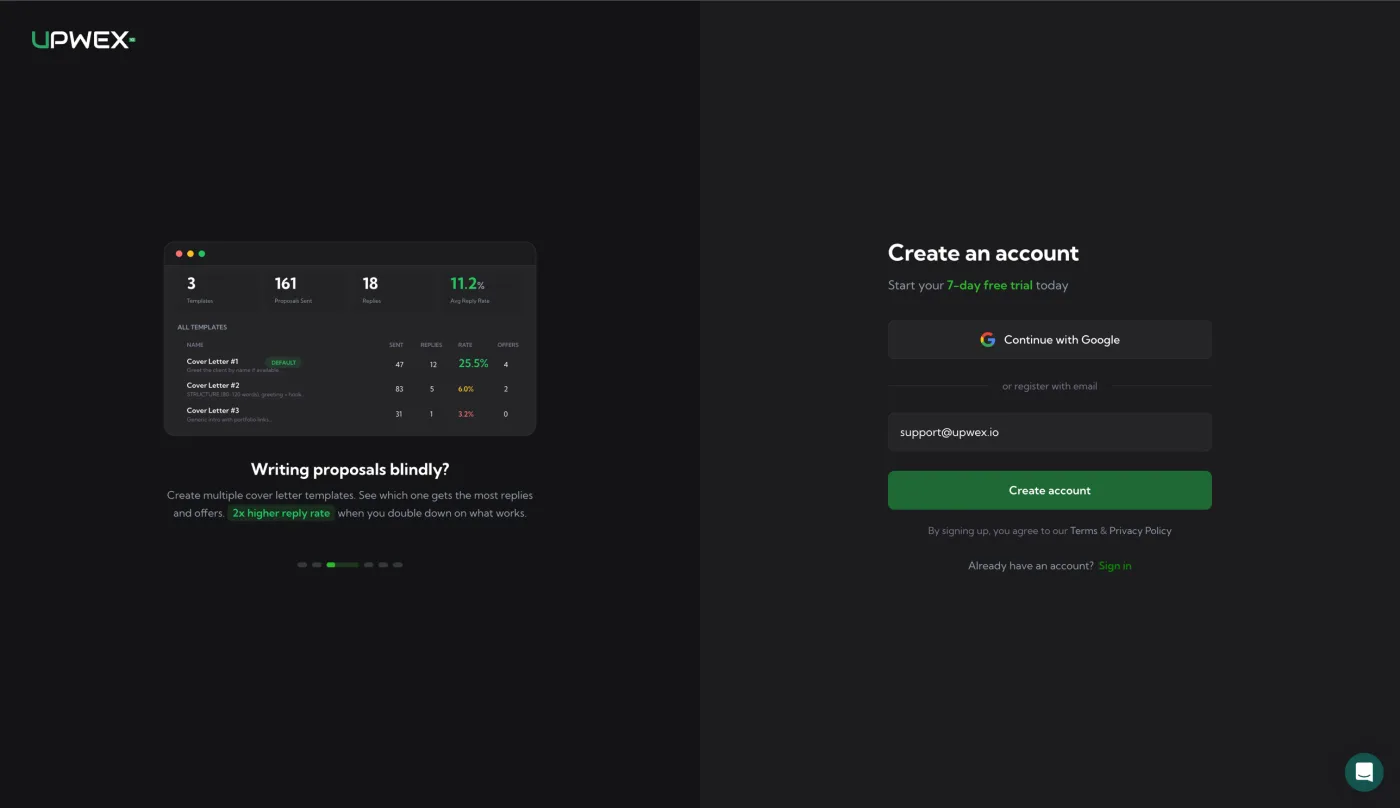
Upwex Create an account page – 'Start your 7-day free trial today' subtitle, Continue with Google button, divider 'or register with email', email input pre-filled with support@upwex.io, Create account button and Sign in link

Upwex welcome email – UPWEX logo header, 'Welcome to Upwex' heading, Verify Email & Get Started CTA button, list of trial features (AI Cover Letters, Auto-Bidding, Smart Analytics, Job CheckFit), 15-minute link expiry note, Upwex Team signature with LinkedIn and Instagram footer

Upwex dashboard right after email magic link sign-in – Activity Summary panel with zero metrics, Performance by Profile and Proposals & Replies sections empty, sidebar showing Upwex Support and 'Install Extension' prompt

What happens on your first login?

  • Your 7-day free trial starts automatically – full access to Starter plan features.
  • You become the Owner of a new team. You can invite members later from the Team page.
  • You’re prompted to install the Chrome extension (next article).

Tips

  • Use a business email – invoices and receipts will be sent to it.
  • Magic links expire after 15 minutes. If it expired, just request a new one from the login page.