


Creating an Upwex account is free and takes about 30 seconds. You don’t need a credit card – you’ll start on a 7-day free trial of the Flex plan with 20 AI Credits, so you can explore every feature before committing. Once you’re in, the getting started guide walks you through the first steps.
Sign up options
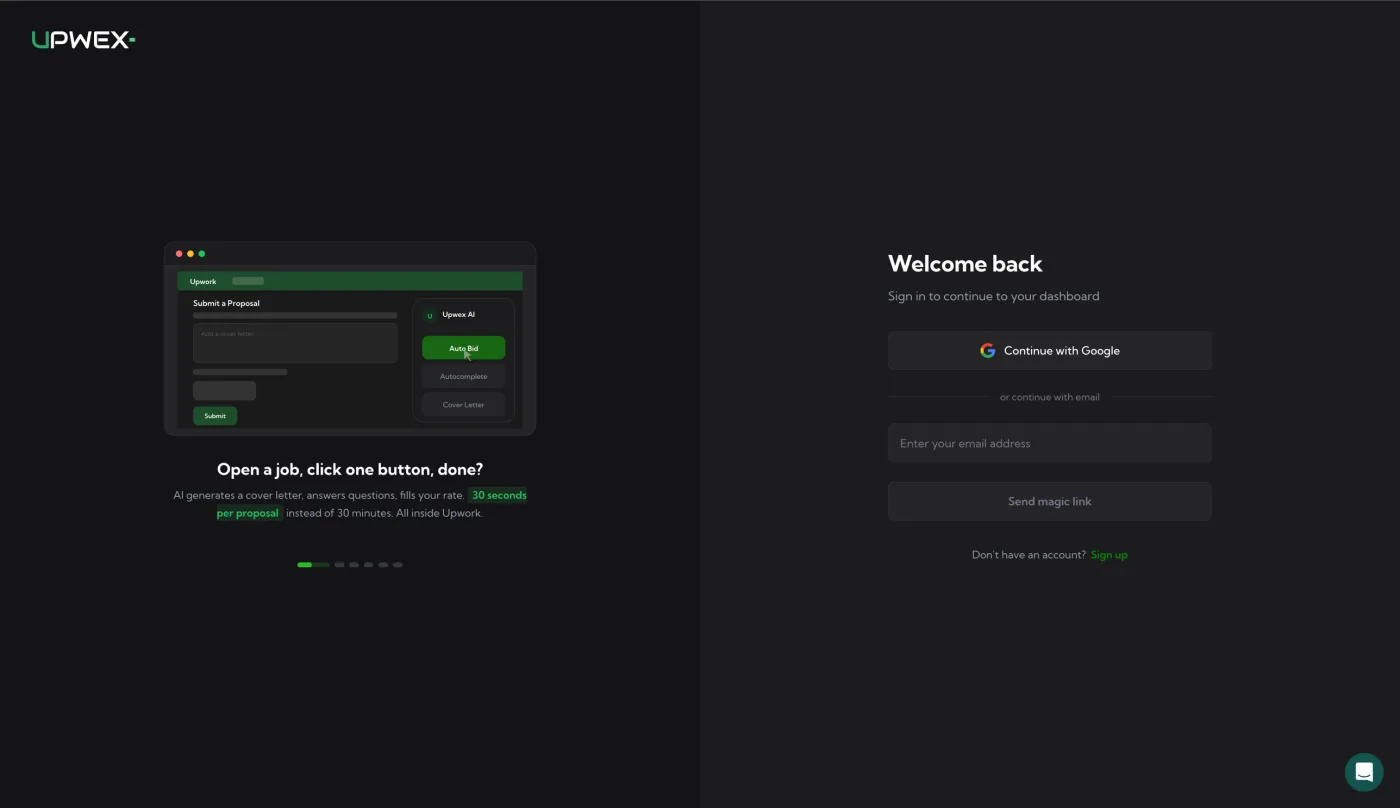
Open account.upwex.io/sign-up and choose one of two sign-up methods:
Option 1 – Google (fastest)
- Click Continue with Google.
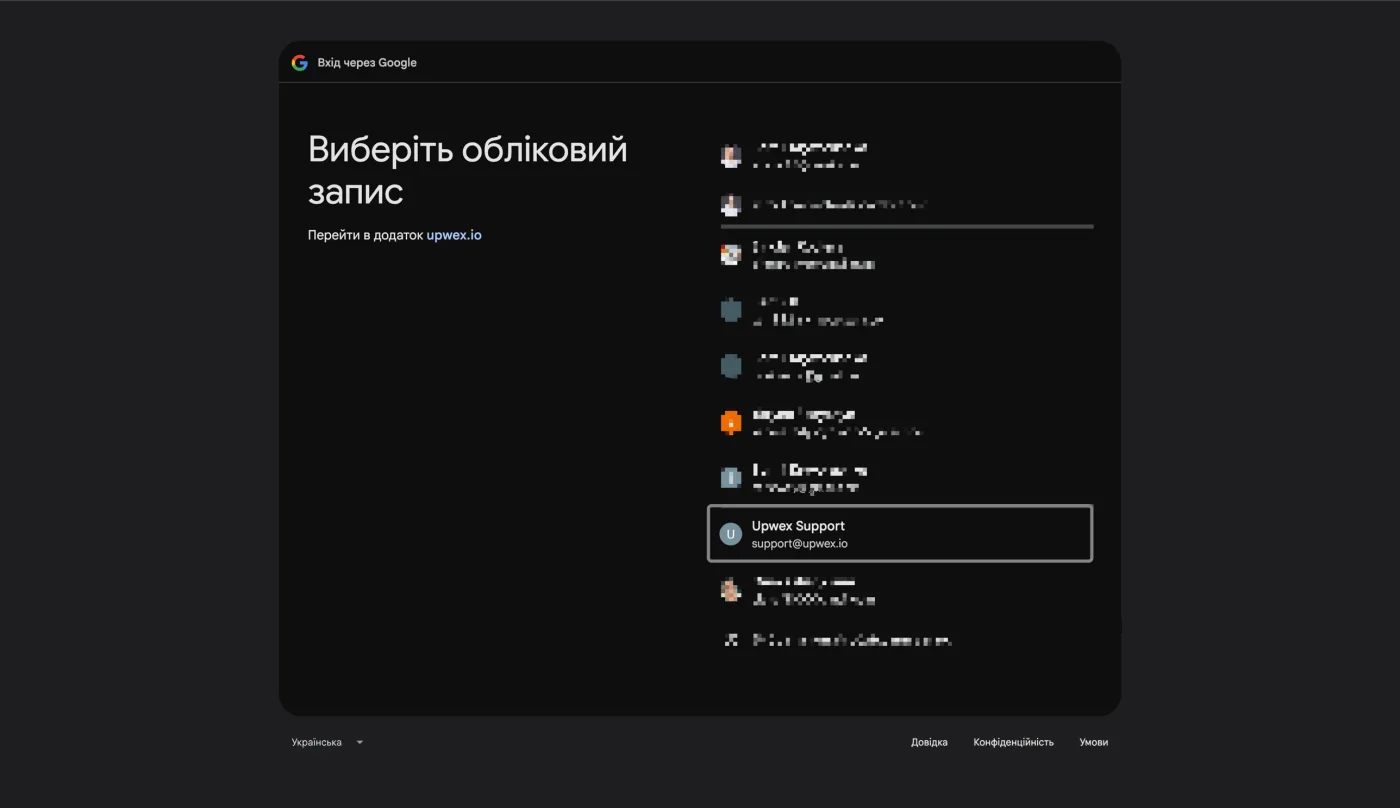
- Select your Google account in the popup.
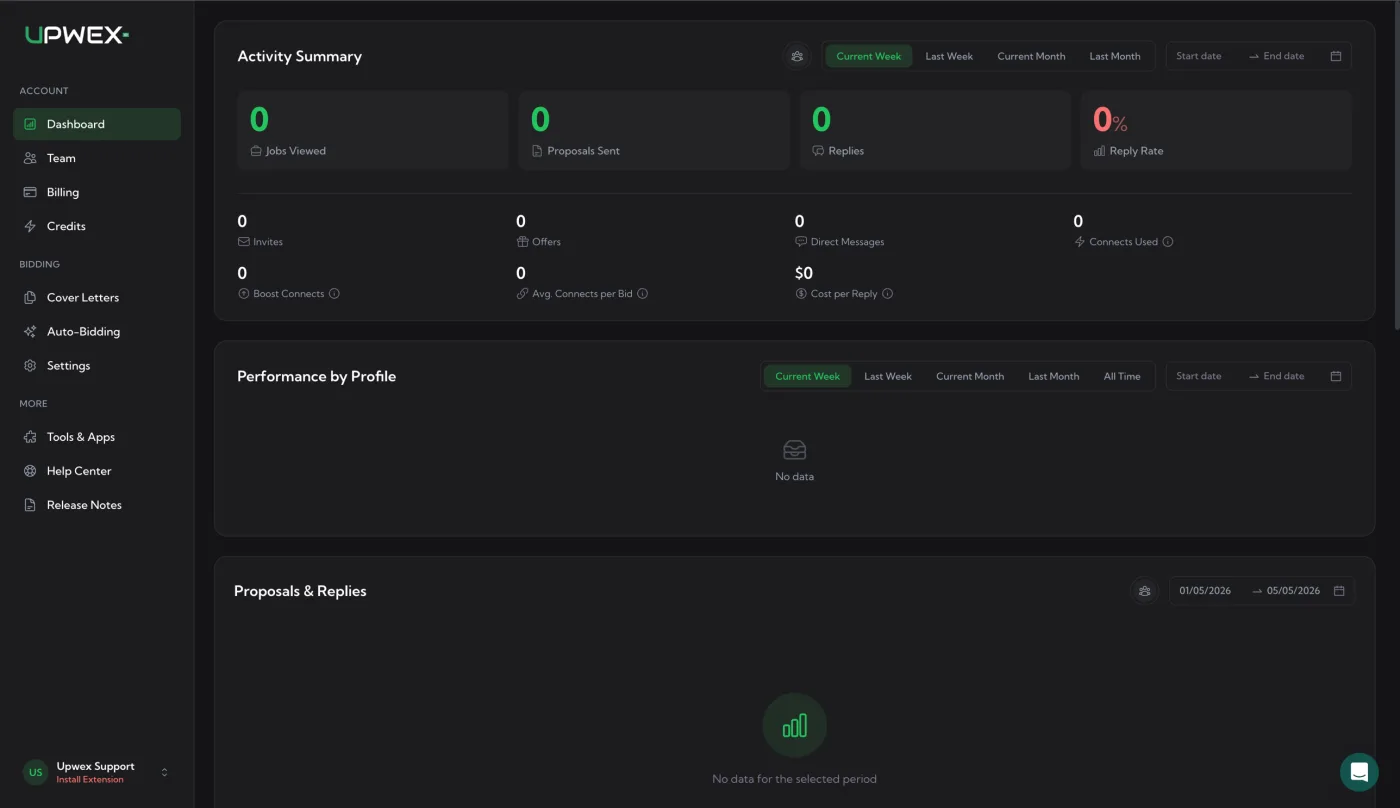
- You’ll be redirected to your Upwex dashboard immediately.
Option 2 – Email (magic link)
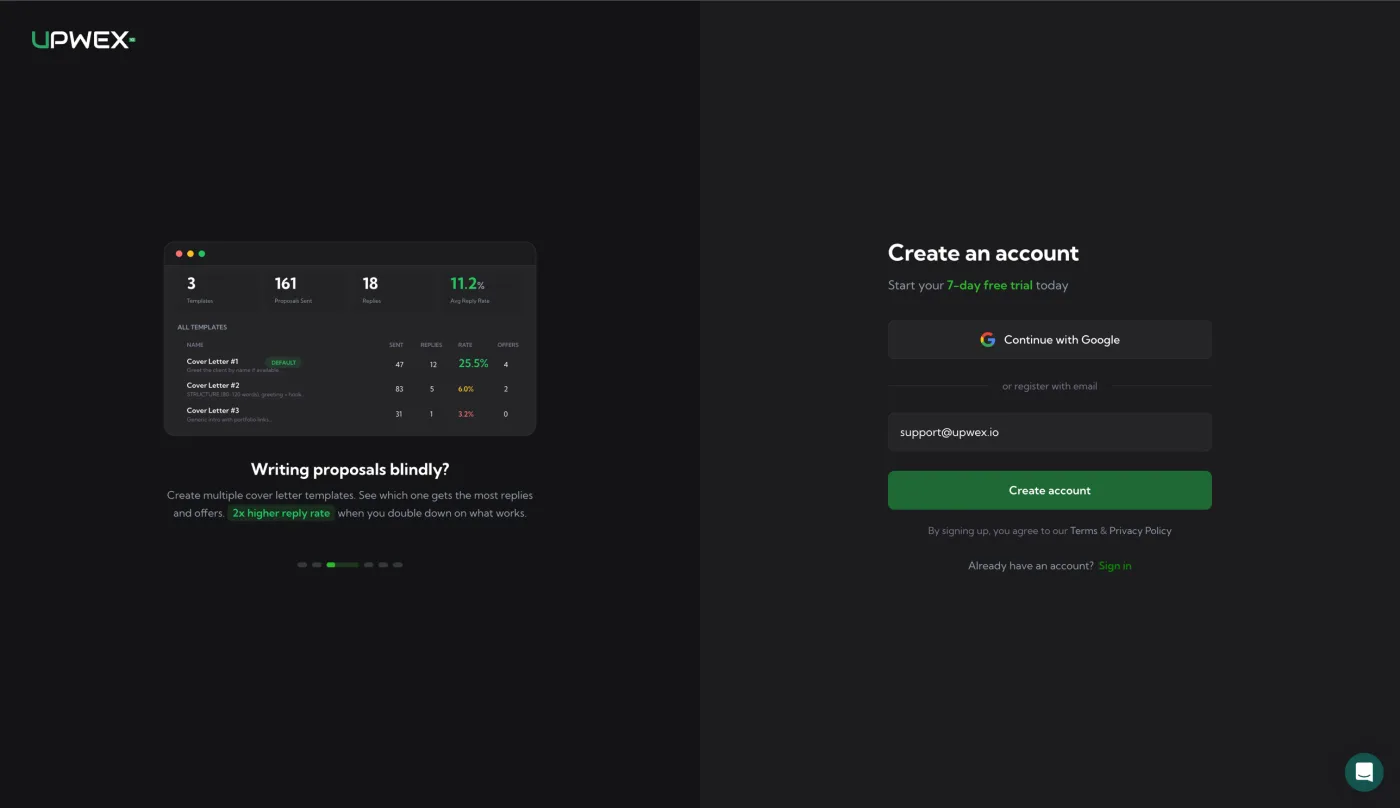
- Enter your email address and click Create account.
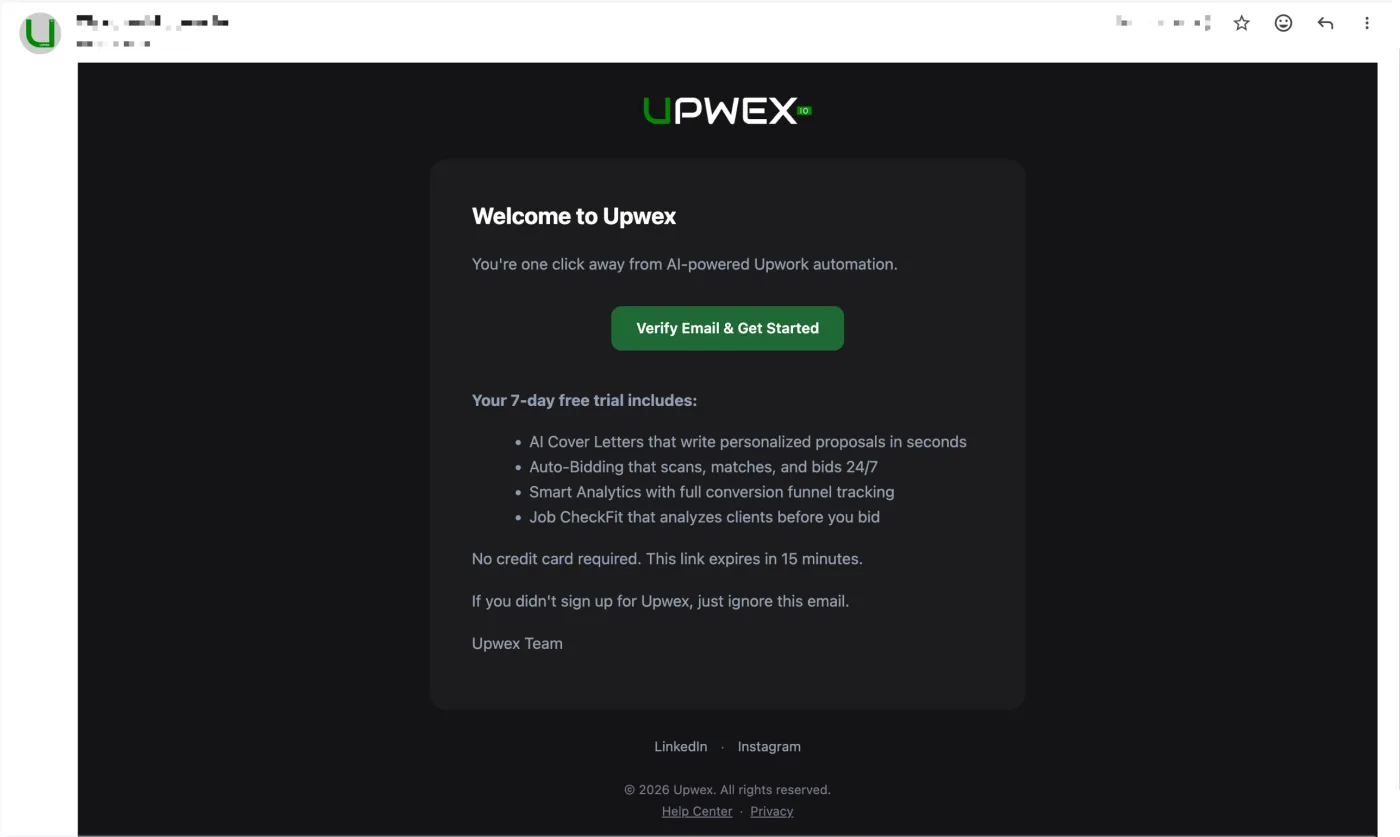
- We send a one-time login link to your inbox (no password required).
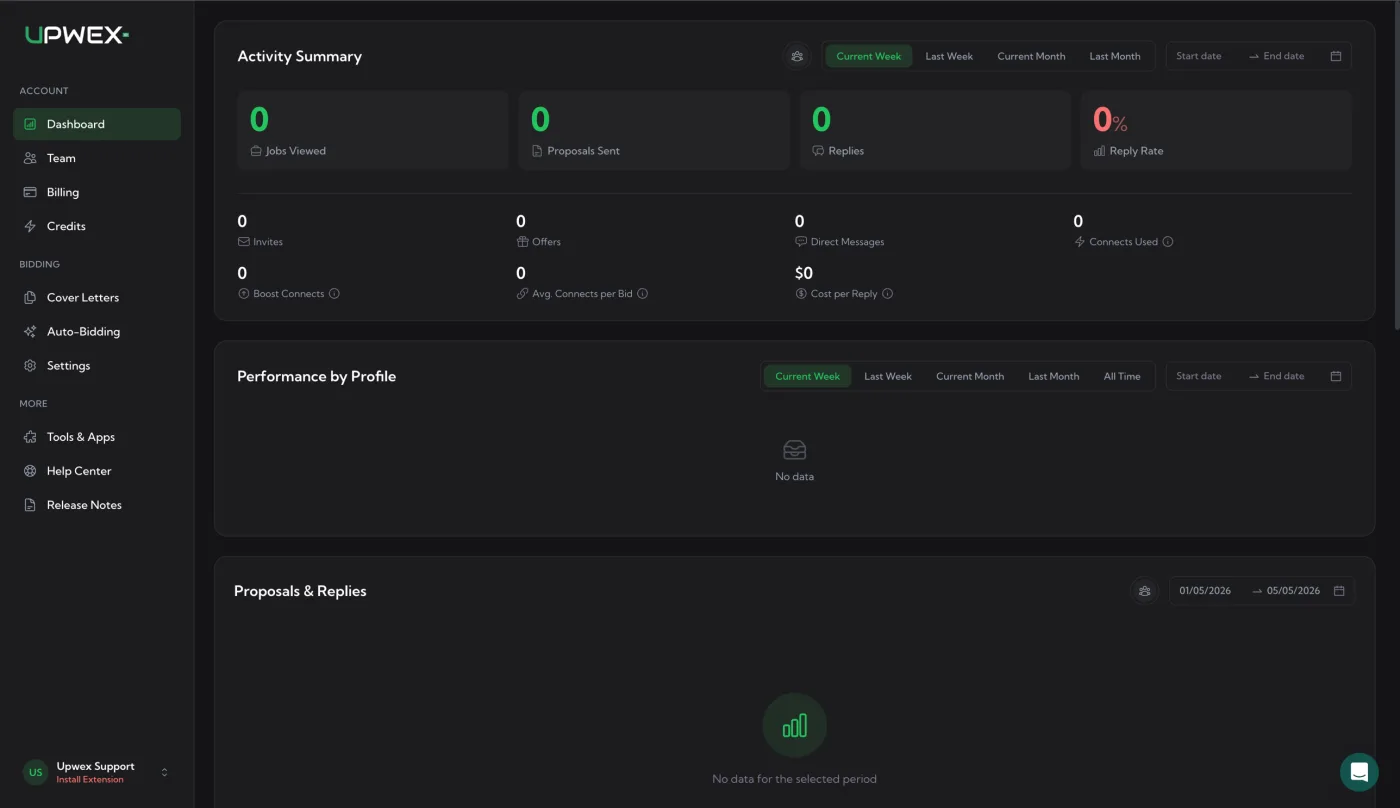
- Click the link in the email – you’ll be signed in automatically and redirected to the dashboard.
What happens on your first login?
- Your 7-day free trial starts automatically – every Flex feature is available, with 20 AI Credits for the whole trial. Connecting your own OpenRouter key unlocks once you subscribe.
- You become the Owner of a new team. You can invite members later from the Team page.
- You’re prompted to install the Chrome extension (next article).
Tips
- Use a business email – invoices and receipts will be sent to it.
- Magic links expire after 15 minutes. If it expired, just request a new one from the login page.