


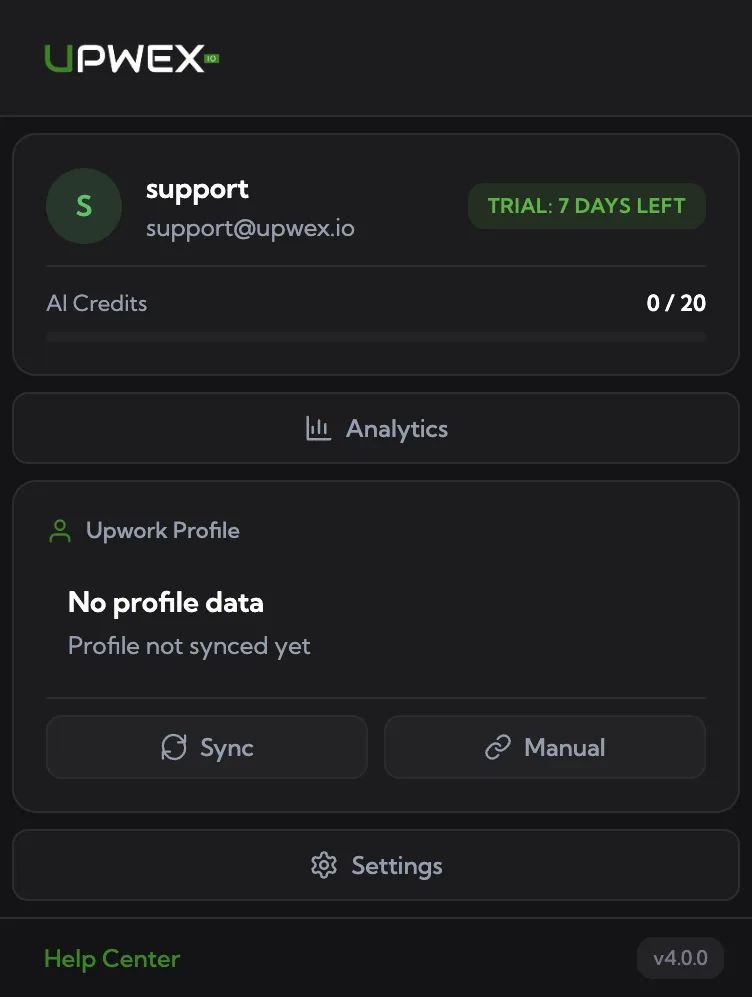
Upwex is an AI-powered assistant built specifically for freelancers and agencies working on Upwork. It combines a Chrome extension that works directly inside Upwork pages with a web dashboard at account.upwex.io for analytics, team management and settings.
What does Upwex do?
Upwex automates the most time-consuming parts of freelancing on Upwork:
- Analyze any job in seconds – AI evaluates match score, red flags, client history and budget before you spend a single connect.
- Generate cover letters with AI – personalized proposals based on your profile, the job description and your custom prompts.
- Answer client questions automatically – AI drafts replies to the screening questions inside the proposal form.
- Auto Bid – let Upwex automatically scan, evaluate and submit proposals on matching jobs 24/7.
- Track performance – see connects economy, reply rates, funnel conversions, profile comparisons.
- Sync to CRM – push Upwork chats and leads into Pipedrive with one click.
Who is Upwex for?
- Solo freelancers who want to save hours per week on proposals and focus on client work – the Flex plan starts with a 7-day free trial.
- Agencies managing multiple profiles and team members with shared licenses and analytics.
- Lead generation specialists who need to scan hundreds of jobs daily and convert them into replies.
What’s next?
To start using Upwex you need to (1) create an account, (2) install the Chrome extension, and (3) sync your Upwork profile. All three steps take under 5 minutes – follow the articles linked below to get going.